Epoch2Date
Unix timestamp conversions from the menubar!
About
Epoch2Date is a native macOS menubar app for quick and easy Unix timestamp conversions. Convert timestamps to human-readable dates and vice versa, right from your menubar! The app is lightweight and non-intrusive, living quietly in your menubar until you need it. The app is open source and available on GitHub.
Key Features
- 🕒 Convert Unix timestamps to human-readable dates
- 📅 Convert dates to Unix timestamps
- ⚡️ Quick preset buttons for common dates (Now, Tomorrow, Yesterday)
- 📋 Clipboard integration for easy paste and copy operations
- ⚙️ Customizable settings for timestamp units and date formats
- 🎨 Supports both light and dark modes
- 🚀 Start at login option available
Screenshots
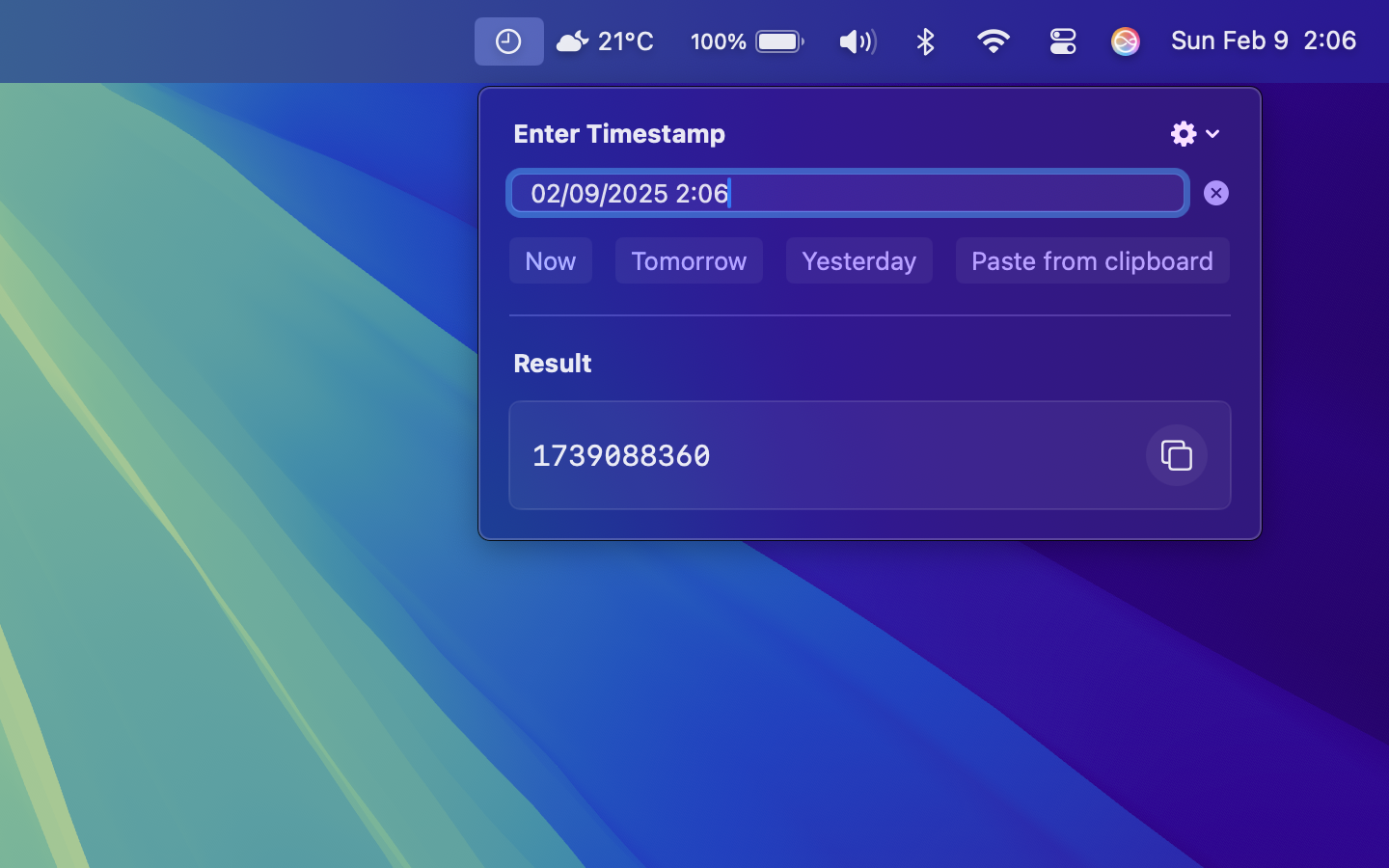
Shows the menubar icon and the app interface
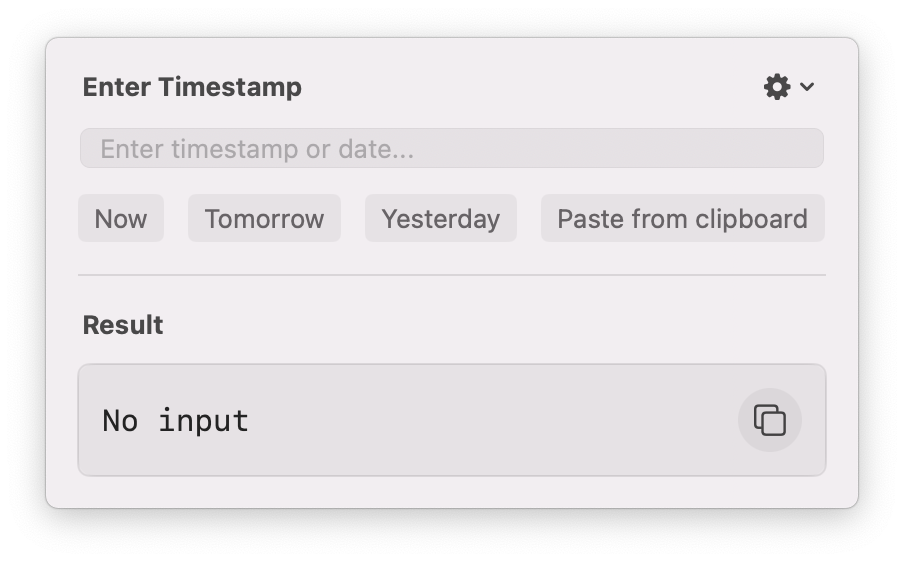
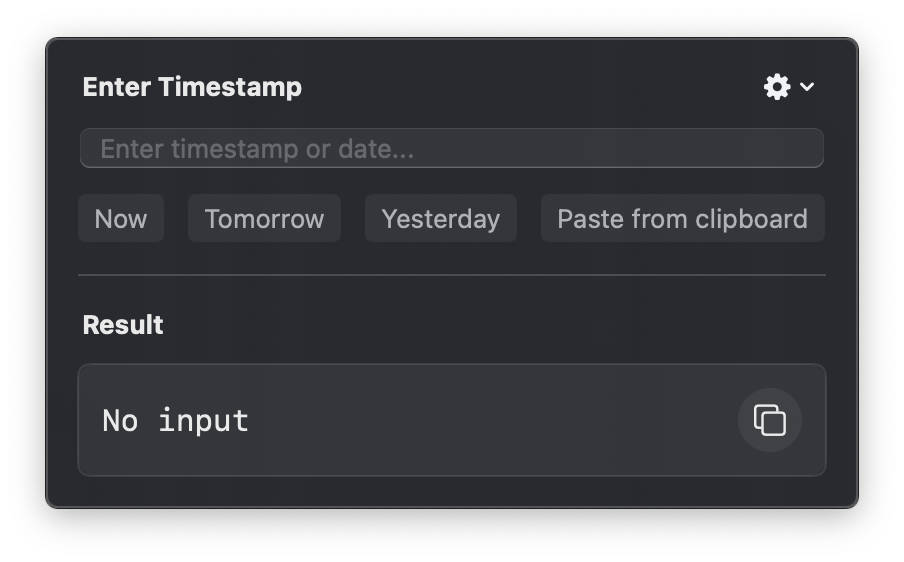
Epoch2Date app interface in light and dark modes
System Requirements
- macOS 10.15 (Catalina) or later
- Apple Silicon or Intel processor
Privacy Policy
Epoch2Date is committed to protecting your privacy. This app does not collect, store, or transmit any personal data.
All timestamp conversions are performed locally on your device without any external network requests.
Data Collection
We do not collect, store, or process any personal information. The app functions entirely offline and does not require any permissions.
Contact Information
If you have any questions or concerns about this privacy policy or the app, please contact us at: sai1494@gmail.com
Last updated: 2/9/2025